Photorealistic AI avatars
in real time
Give your AI a lifelike face, with lip sync and expressions generated as it speaks. Choose a stock avatar or create your own, then connect a voice and the conversation behind it.
Built with Anam


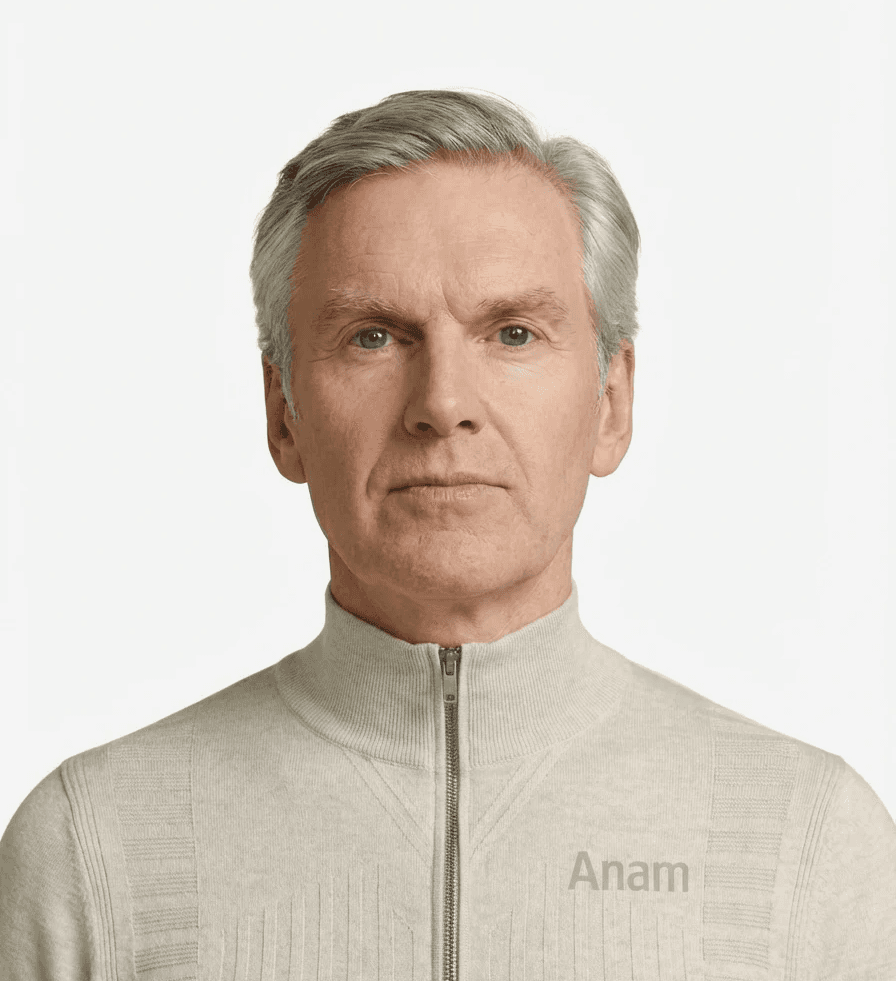
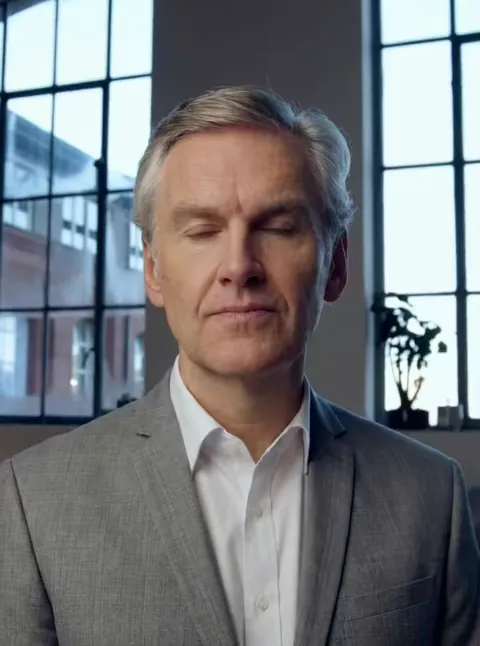
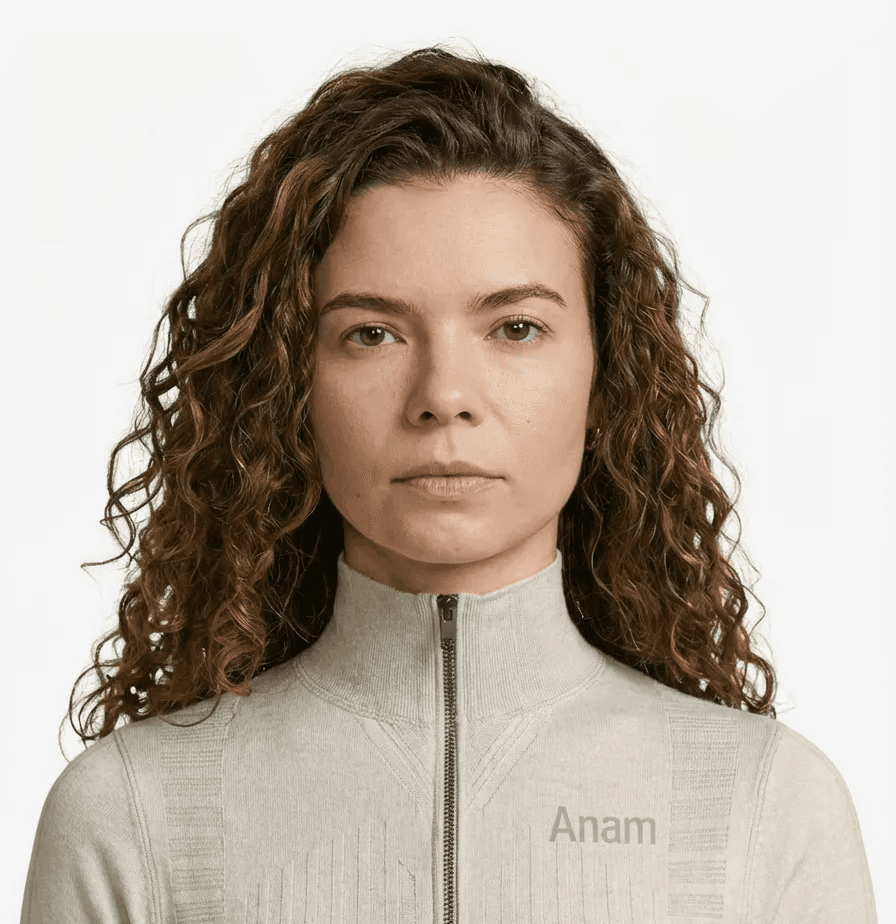

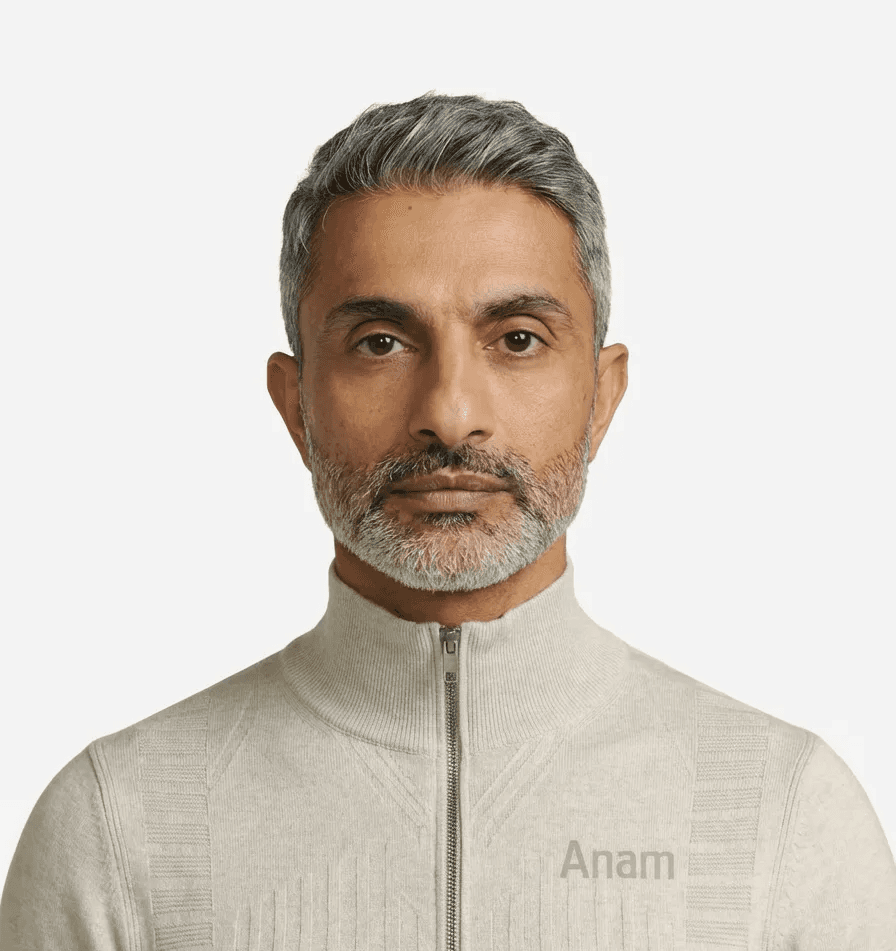
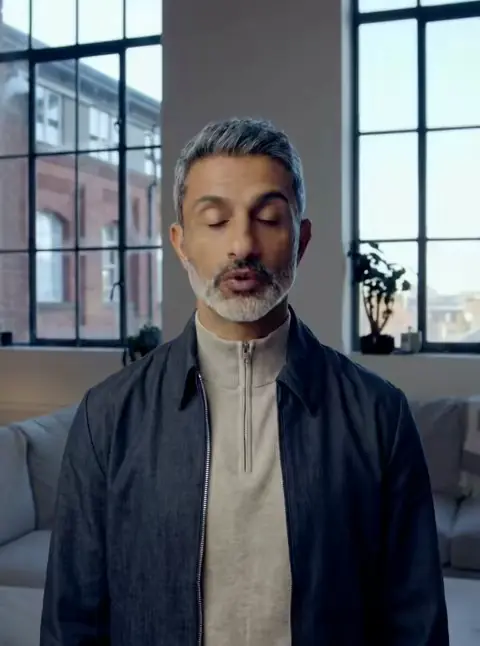
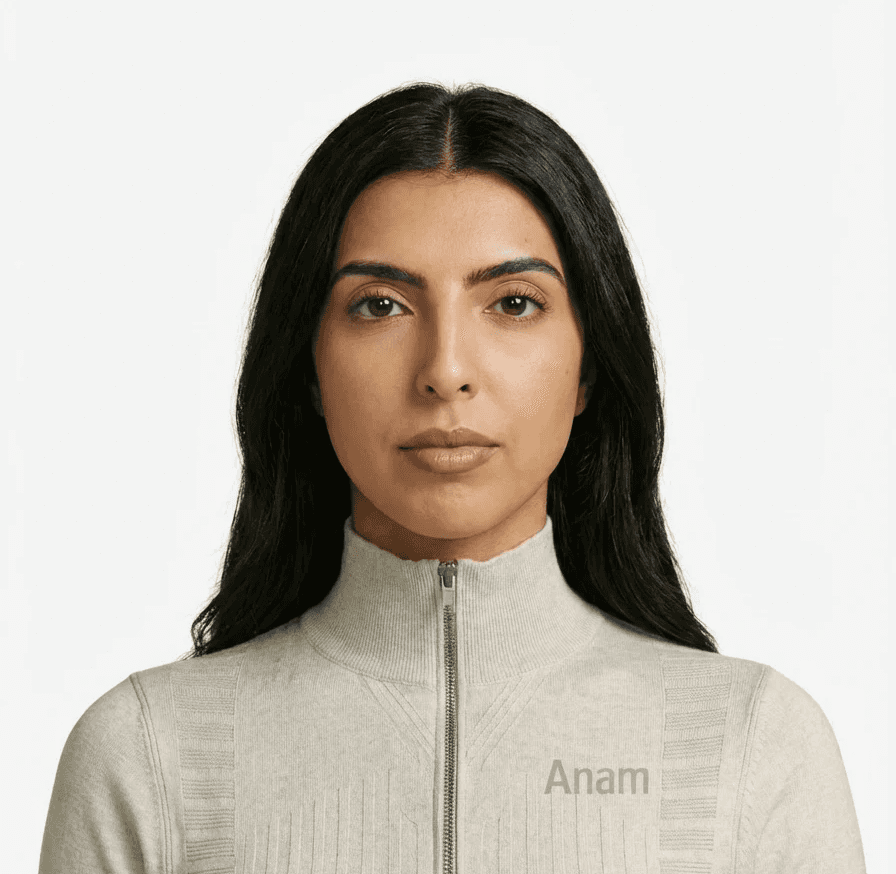
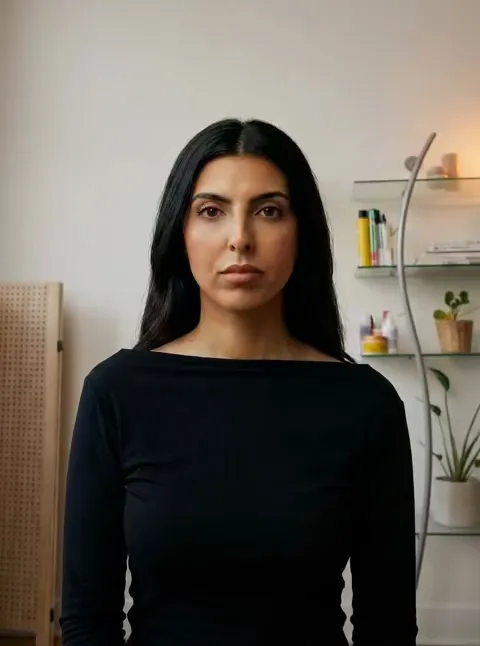


Unmatched realism. Photorealism your users will actually trust.
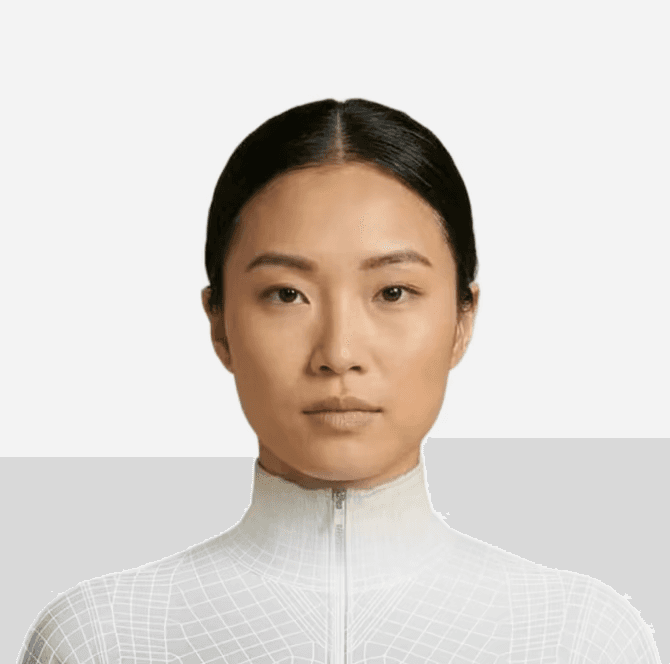
Powered by Cara-4.1 Express.
Our frontier in-house model for real-time rendering.
Cara-4.1 Express generates the avatar’s facial motion from speech in real time. Select cara-4.1-express in your avatar configuration; choose the voice and LLM separately.


How photorealism holds up
in a live conversation.
1152
landscape width · pixels
768
portrait width · pixels
10
facial expression cues
1
image to create an avatar
Unmatched realism.
See the avatars in action.
Ask Cara about photorealistic avatars, custom faces or your own app, and see how her expression follows the conversation.

import { createServer } from "node:http";

const { ANAM_API_KEY, ANAM_PERSONA_ID } = process.env;
if (!ANAM_API_KEY || !ANAM_PERSONA_ID) {
  throw new Error("Set ANAM_API_KEY and ANAM_PERSONA_ID");
}

const page = `<!doctype html>
<video id="avatar" autoplay playsinline style="width:min(100%,480px)"></video>
<button id="start">Talk to my avatar</button>
<button id="end" disabled>End call</button>
<p id="status" role="status"></p>
<script type="module">
import { createClient } from "https://esm.sh/@anam-ai/js-sdk";
const start = document.getElementById("start");
const end = document.getElementById("end");
const status = document.getElementById("status");
let client;
async function stop() {
  end.disabled = true;
  try { await client?.stopStreaming(); }
  finally { client = undefined; start.disabled = false; }
}
start.onclick = async () => {
  start.disabled = true;
  status.textContent = "Connecting…";
  try {
    const response = await fetch("/session", { method: "POST" });
    if (!response.ok) throw new Error("Session request failed");
    const { sessionToken } = await response.json();
    client = createClient(sessionToken);
    await client.streamToVideoElement("avatar");
    end.disabled = false;
    status.textContent = "Connected";
  } catch (error) {
    await stop();
    status.textContent = error.message;
  }
};
end.onclick = async () => {
  await stop();
  status.textContent = "Call ended";
};
window.addEventListener("pagehide", () => client?.stopStreaming());
</script>`;

createServer(async (req, res) => {
  if (req.method === "POST" && req.url === "/session") {
    try {
      const response = await fetch("https://api.anam.ai/v1/auth/session-token", {
        method: "POST",
        headers: {
          Authorization: `Bearer ${ANAM_API_KEY}`,
          "Content-Type": "application/json"
        },
        body: JSON.stringify({
          personaConfig: {
            personaId: ANAM_PERSONA_ID,
            avatarModel: "cara-4.1-express"
          }
        })
      });
      if (!response.ok) throw new Error("Session request failed");
      const { sessionToken } = await response.json();
      res.writeHead(200, { "Content-Type": "application/json", "Cache-Control": "no-store" });
      res.end(JSON.stringify({ sessionToken }));
    } catch {
      res.writeHead(502);
      res.end("Could not create a session");
    }
    return;
  }
  if (req.method === "GET" && req.url === "/") {
    res.writeHead(200, { "Content-Type": "text/html" });
    res.end(page);
    return;
  }
  res.writeHead(404);
  res.end();
}).listen(3000, "127.0.0.1");
Connect your LLM, voice and agent





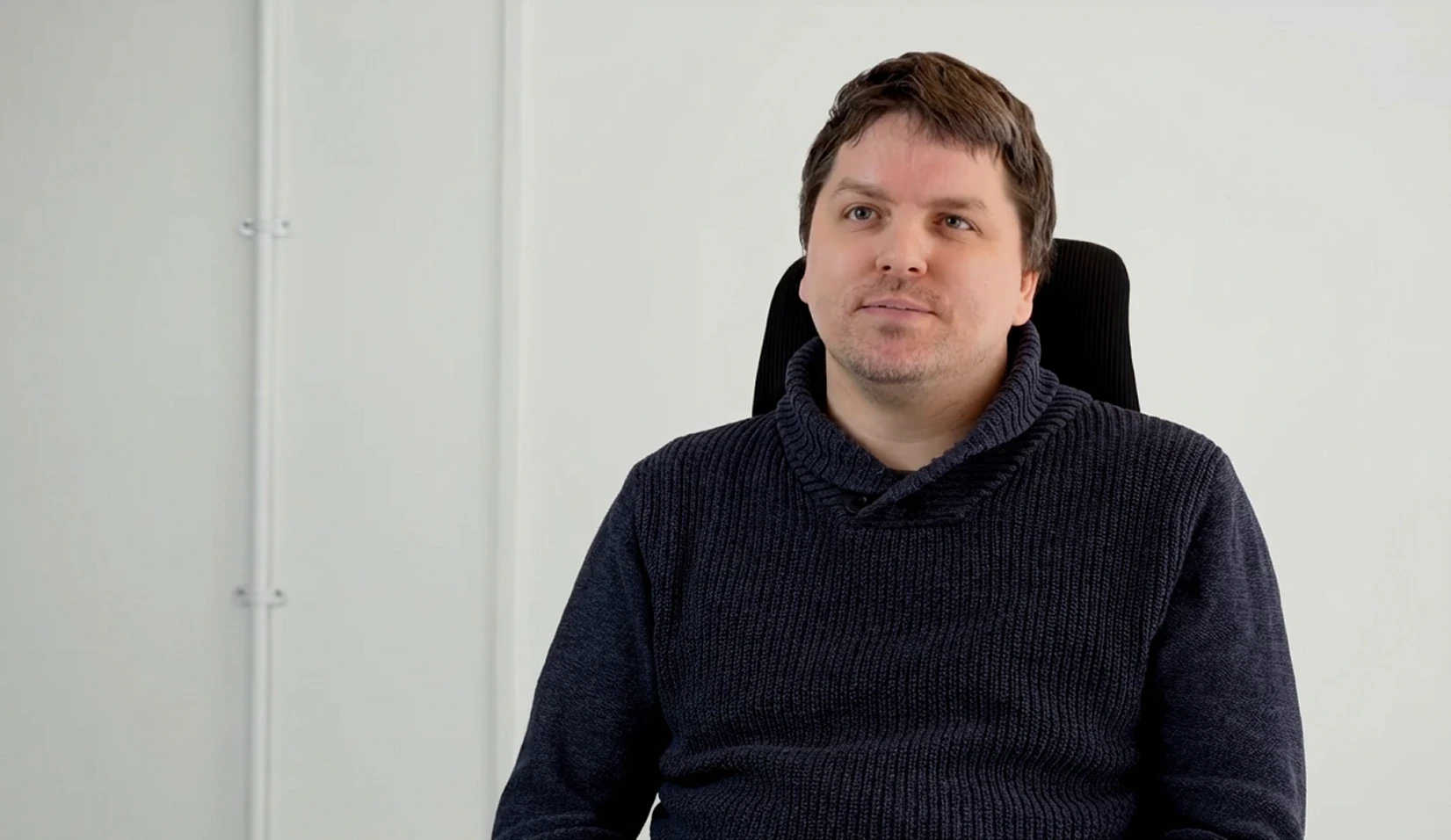

Replicate Labs doubled user retention with Anam.
Interactive avatars made sales coaching a conversation, helping users return consistently for months.
Built for your most important conversations.
SOC 2 Type II
Move from pilot to production with independently audited security controls, backed by Anam’s SOC 2 Type II report.
HIPAA
Bring a human face to patient education, intake and clinical training, with security and privacy controls that support HIPAA-compliant deployments.
GDPR
Build for European audiences with privacy safeguards, clear data-processing commitments and support for GDPR requirements.
Frequently asked questions
How do I add a photorealistic avatar to my app?
Choose an avatar and voice in Anam Lab, configure an avatar and select Cara-4.1 Express. Your server creates a session token; the JavaScript SDK uses it to stream the avatar into a video element. Keep your API key on the server.
Can I create an avatar from my own image?
Yes. Upload a clear portrait through the custom-avatar flow, using an image you have permission to use. Review the generated avatar before deploying it. Image quality, framing and the selected model affect the result; test it with your own dialogue.
How do I control expressions and the voice?
Use supported Director Notes cues, such as [warm] or [curious], before a phrase to guide facial delivery. Choose the voice separately. Facial cues do not guarantee matching vocal expression: inline voice-cue support depends on the voice provider and model.
Can I use my own LLM or agent framework?
Yes. Connect a supported custom LLM endpoint or handle responses in your own application. With frameworks such as LiveKit or Pipecat, your framework owns the agent pipeline while Anam generates the face and avatar media. The integration determines how text or audio reaches Anam.
Can the avatar answer questions from my knowledge base?
Yes. Upload documents to knowledge folders, wait for indexing and attach a knowledge tool to the avatar. OpenAI- and Azure-hosted Anam LLMs can acknowledge a lookup, call the tool and continue answering in the same turn; Groq-hosted models do not support that pattern.
Can I update an avatar after it goes live?
You can update the saved avatar’s appearance, voice, prompt and supported model configuration, then publish it for new calls. Test the new configuration before rolling it out. An active session keeps the configuration it started with; reconnect to check your changes.
What are the limitations of photorealistic avatars?
Facial motion is generated and may contain visual artifacts; it is not exact motion capture. Test expressions, pronunciation and your source image with real conversations. Response time depends on the full pipeline, region and network, so measure it in your own setup.
Start building with Anam
Choose your avatar, voice and LLM. Build a live conversation with the JavaScript or Python SDK.
© 2026 Anam Labs
SOC 2 Type II report · HIPAA-aligned controls.