Custom LLM avatar
for builders
Pair an Anam avatar with your own language model. Connect a supported streaming endpoint, then choose the voice, appearance and tools for your experience.
Trusted by 8,000+ builders


Bring your own LLM to a real-time avatar.
Connect an OpenAI, Azure OpenAI, Gemini or Groq-compatible streaming API. Other endpoints may need a compatible proxy or a client-managed integration.
1
Choose
Register your streaming endpoint in Anam Lab or with the Anam APIs.
2
Configure
Use Anam-provided LLMs in the Anam Lab or add a custom LLM to the avatar.
3
Run
Start a session. Your model generates replies; Anam handles speech, voice and the avatar face.
Unmatched realism.
Try the live demo.
Meet Robert, your guide to custom LLM setup. Ask about endpoint compatibility, knowledge tools or your first integration.


export async function POST() {
  const response = await fetch(
    "https://api.anam.ai/v1/auth/session-token",
    {
      method: "POST",
      headers: {
        Authorization: `Bearer ${process.env.ANAM_API_KEY}`,
        "Content-Type": "application/json",
      },
      body: JSON.stringify({
        personaConfig: {
          name: "My custom LLM avatar",
          avatarId: process.env.ANAM_AVATAR_ID,
          voiceId: process.env.ANAM_VOICE_ID,
          llmId: process.env.ANAM_LLM_ID,
          systemPrompt: "Answer briefly and helpfully.",
        },
      }),
    }
  );

  if (!response.ok) {
    return Response.json({ error: "Session failed" }, { status: 502 });
  }

  const { sessionToken } = await response.json();
  return Response.json({ sessionToken });
}
Connect your LLM and agent stack





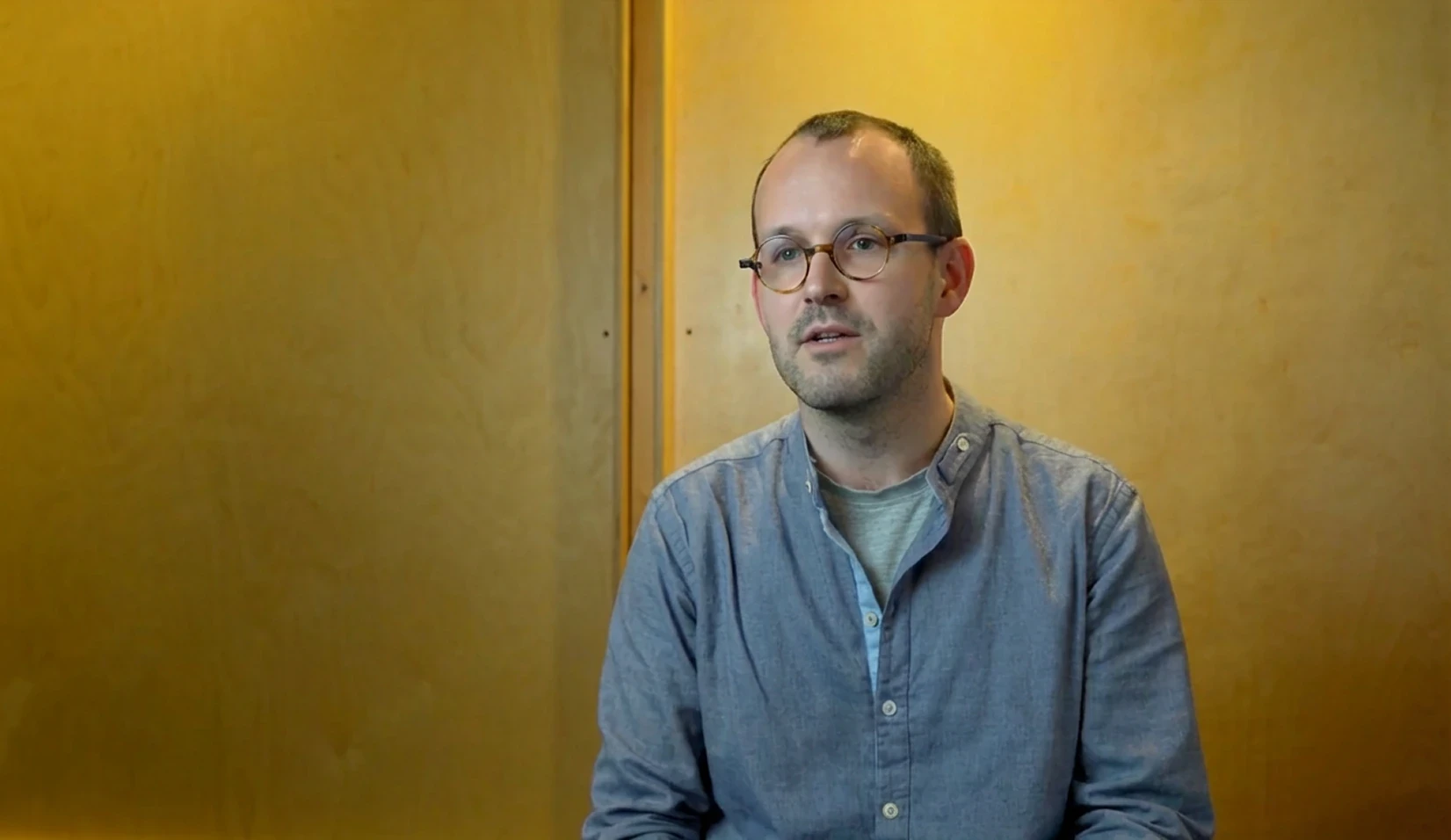

Airspeed saw 20% faster sales cycles with Anam
Airspeed (formerly Glyphic) added interactive avatars to its sales intelligence platform, helping reps practice and engage with conversational coaching.
Built for your most important conversations.
SOC 2 Type II
Move from pilot to production with independently audited security controls, backed by Anam’s SOC 2 Type II report.
HIPAA
Bring a human face to patient education, intake and clinical training, with security and privacy controls that support HIPAA-compliant deployments.
GDPR
Build for European audiences with privacy safeguards, clear data-processing commitments and support for GDPR requirements.
Frequently asked questions
How do I connect my own LLM?
Register a streaming endpoint in Anam Lab or through the LLM API. Choose its supported format, model name and credentials, then use the returned llmId in an avatar or server-created session token. Keep both provider credentials and your Anam API key on the server.
Which LLM endpoints are supported?
The server-managed integration supports OpenAI, Azure OpenAI, Gemini and Groq-compatible formats. Your endpoint must implement the selected streaming protocol. Other providers, including a native Anthropic endpoint, may need a compatible proxy or a client-managed integration.
Can my custom LLM use a knowledge base and tools?
Yes, when the model and endpoint support the required tool-calling format. Upload documents to knowledge folders, wait for processing, and attach a knowledge tool to the avatar. Test retrieval and tool results with your chosen model before release.
Can the avatar acknowledge a lookup and then answer?
This requires interleaved tool calling: speech before a tool call and continued speech afterward in the same turn. Anam-provided OpenAI and Azure models support it; Groq-hosted models do not. Verify this behavior with your own endpoint rather than assuming compatibility.
Can I use a custom avatar and voice?
Yes. The avatar, voice and LLM are separate avatar choices. Select a stock or available custom avatar, choose a supported voice, and attach your LLM. Changing appearance does not change your endpoint’s streaming or tool-calling requirements.
How do I update my model or knowledge?
Update the registered LLM or avatar configuration and verify it in a new session. Do not rely on switching models inside an active call. When you replace knowledge documents, wait for processing to finish and test that the updated content is retrieved.
How is this different from an external agent framework?
With a server-managed custom LLM, Anam runs speech recognition, voice generation and avatar media while calling your model. With frameworks such as LiveKit or Pipecat, your agent pipeline manages speech, the LLM and voice, and Anam supplies the avatar media.
Start building with Anam
Connect your language model to an avatar, then build and test your first conversation.
© 2026 Anam Labs
SOC 2 Type II report · HIPAA-aligned controls.