AI avatar generator
for builders
Combine an avatar, voice and system prompt into a reusable avatar. Add knowledge and tools, then connect it to your app.
Built with Anam


Define an avatar once, reuse it in your app
An avatar brings together the face, voice and behavior of your avatar. Create it in Anam Lab, then drop it into your app via an embed or using our SDKs.
1
Compose
Choose a stock or custom avatar, select a voice, and write a system prompt for your audience.
2
Configure
Select an LLM and attach the knowledge and tools it needs. Then publish the avatar live.
3
Deploy
Use the JavaScript SDK or Python SDK to build a custom experience in your app, or drop it in with an iframe embed.
Unmatched realism.
Try the live demo.
Meet Hunter, a custom avatar with Kevin’s voice and Anam’s website knowledge. Ask how to build your own, then try the configuration in Anam Lab.
Works with your LLM and agent stack





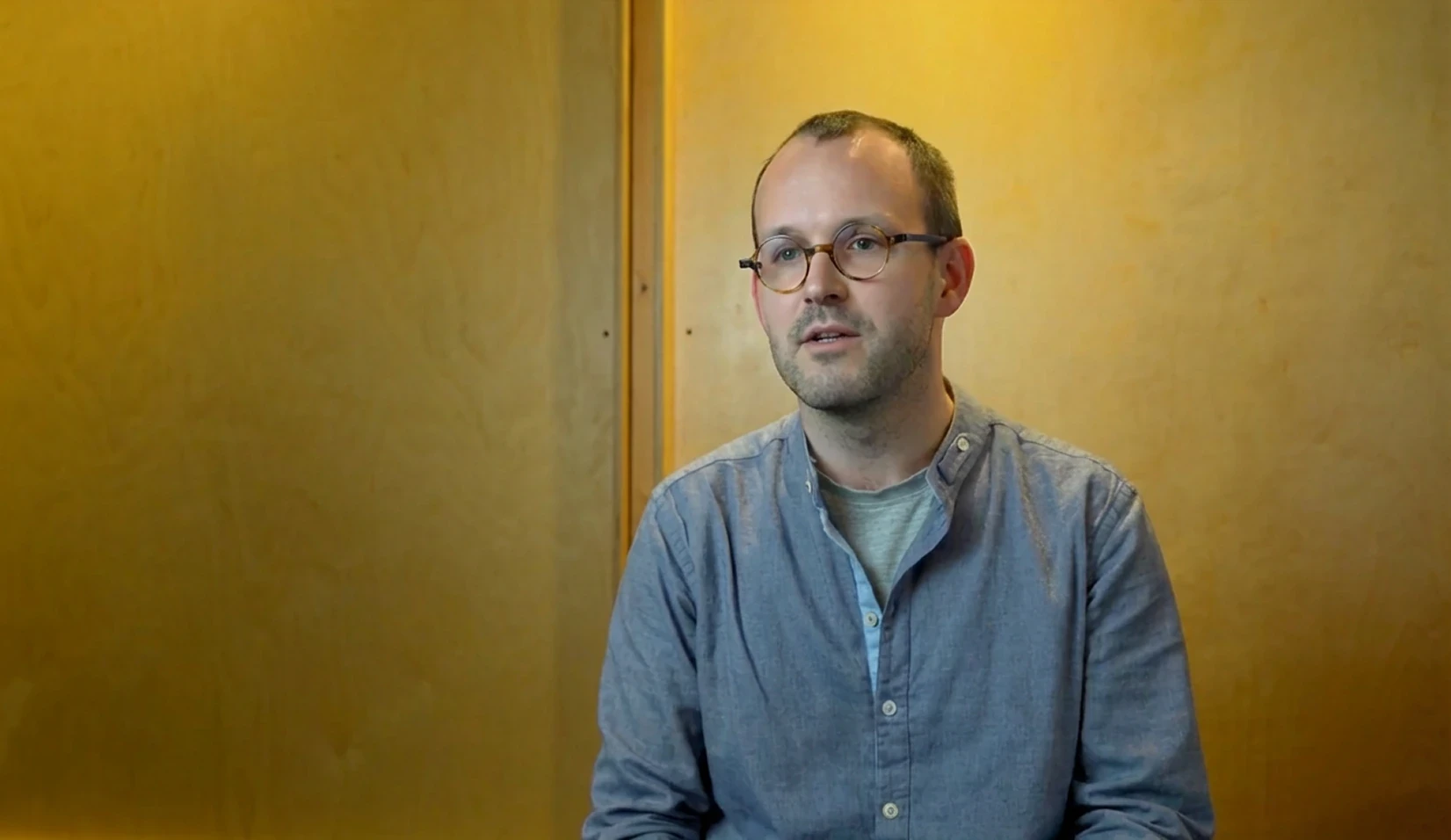

20% faster sales cycles with interactive avatars
Airspeed, formerly Glyphic, uses Anam avatars for conversational sales coaching. Its case study reports 90% adoption in the first week.
Built for your most important conversations.
SOC 2 Type II
Move from pilot to production with independently audited security controls, backed by Anam’s SOC 2 Type II report.
HIPAA
Bring a human face to patient education, intake and clinical training, with security and privacy controls that support HIPAA-compliant deployments.
GDPR
Build for European audiences with privacy safeguards, clear data-processing commitments and support for GDPR requirements.
Frequently asked questions
What does the avatar generator create?
An avatar combines an avatar, voice, LLM and system prompt, with optional knowledge and tools. Create one in Anam Lab or with the Personas API, then use its avatar ID to start sessions. It is a reusable configuration, not a video file.
Can I use my own avatar and voice?
Yes. Choose an available stock avatar or create a custom avatar in Anam Lab, then select a supported voice. Use the resulting avatar and voice IDs in your avatar. Available models and voice settings depend on those selections.
How do I connect an avatar to my app?
Keep your Anam API key on the server. Use the avatar ID to request a session token, then pass that token to the JavaScript SDK in the browser. The Python SDK can connect from a server application and receive audio and video frames.
Can I bring my own LLM or existing agent?
You can configure a compatible custom LLM for an avatar, or handle LLM responses in your own application. With LiveKit or Pipecat, your framework owns the agent pipeline, while Anam supplies the avatar and media. A saved avatar’s prompt does not configure your external agent.
How do I give an avatar my documents and tools?
Upload documents into a knowledge folder, wait for indexing, and attach a knowledge tool that searches the right folders. Reference its exact name and inputs in your prompt. Tools can retrieve information or invoke configured functions; the prompt alone does not give an avatar access to your systems.
When do avatar updates take effect?
Publish changes in Anam Lab, or update the avatar through the Personas API, then start a new session to use the updated configuration. The SDK supports a limited set of mid-session updates, including voice and language. Do not assume avatar, prompt or tool changes update an active session.
Can an avatar speak before and after a lookup?
Yes, with an LLM that supports interleaved tool calling. Anam-provided OpenAI and Azure-hosted LLMs can acknowledge a request, call a tool and continue answering in the same turn. Groq-hosted LLMs do not support that pattern. Attach the tool and describe the behavior in the system prompt.
Start building with Anam
Create an avatar in Anam Lab, then connect it to your app with the JavaScript or Python SDK.
© 2026 Anam Labs
SOC 2 Type II report · HIPAA-aligned controls.