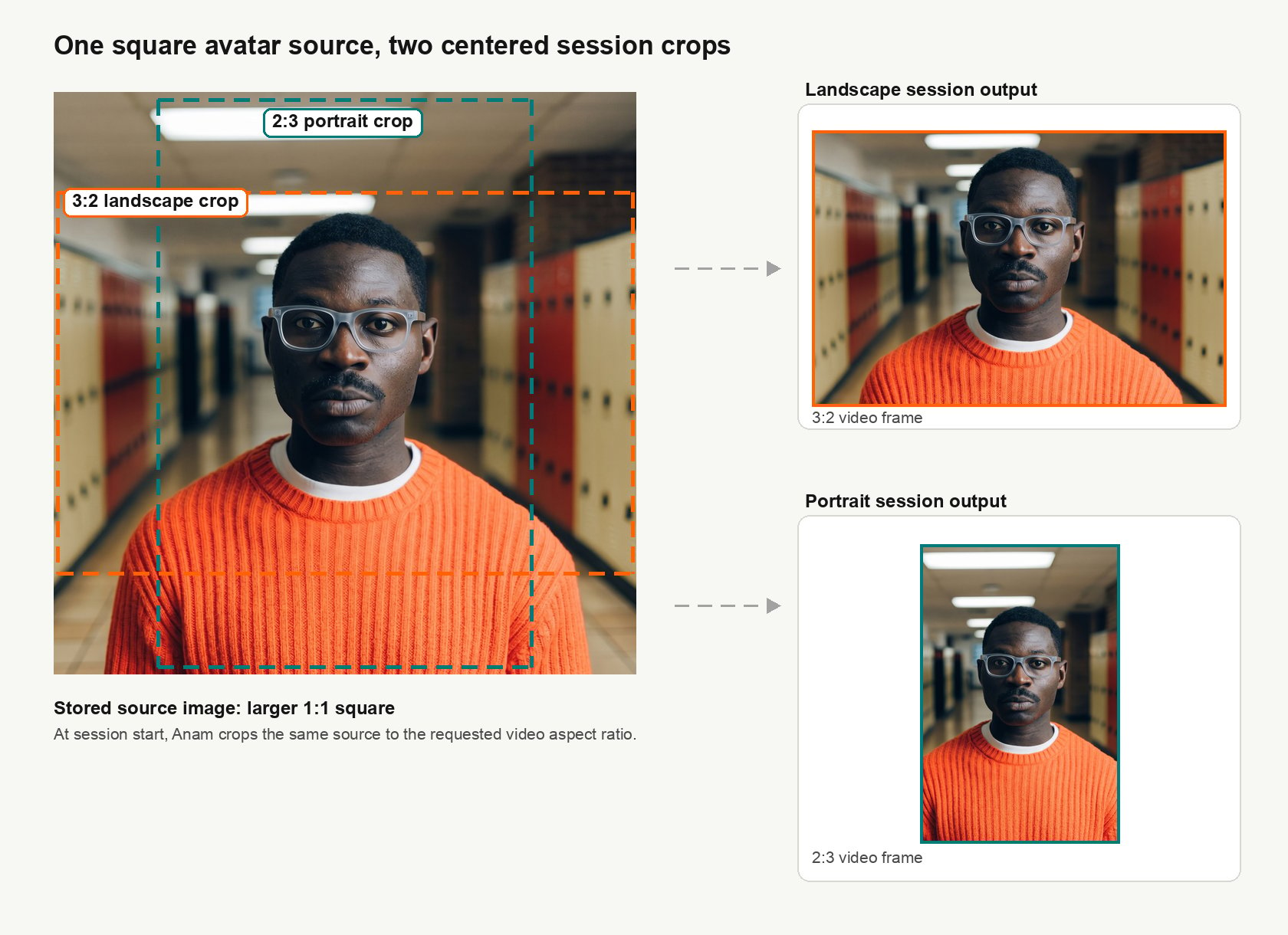
This page is for Cara 4 custom avatars, not Cara 3. Cara 3 follows similar pose and background guidance, but it uses different source image constraints.
cara-4 and Video Options for supported output sizes.
Source image
- Format: Use
.png, .jpg/.jpeg, or .webp, up to 4.5MB.
- Resolution: Use at least
1152x1152. Higher resolution is better.
- Margins: Leave room around the head, shoulders, and chest so Anam can crop in for landscape or portrait output instead of extending the image with outpainting.
- Automatic fixes: Anam may crop, pad, or outpaint when the source image does not cover the required crop. Do not rely on this for best quality.
Subject
- Use a relaxed, natural pose with a neutral expression.
- Keep the face sharp and visible. A mild angle is acceptable if both eyes and the full face remain visible.
- Use an eye-level or slightly low camera angle. Cara 4 does not require a low-angle or fully front-on shot.
- Keep the mouth closed, but not tense.
- Keep hands completely out of view.
Background and appearance
- Use a plain, simple background.
- Avoid busy rooms, strong patterns, large text, and distracting logos.
- Keep the head, shoulders, and upper chest visible. Avoid tight crops.
Make the background transparent in your app
To place an avatar over your own UI, create a custom avatar from an image with a consistent green background. In your browser app, render the avatar stream to a video element, use a WebGL canvas to remove the green pixels, then place the transparent canvas over your page. The stream contains the green background; your app removes it during rendering.
Choose an avatar without green clothing or green spill around the subject. Fine details such as complex hair can be difficult to key cleanly. See the transparent avatar backgrounds cookbook for a working example and controls for tuning the result.Last modified on September 28, 2026