

How it works
LiveKit uses a room-based architecture. Human users and AI agents both connect to rooms as participants. Anam plugs into this as a video layer:Demo
See the integration in action with our onboarding assistant demo: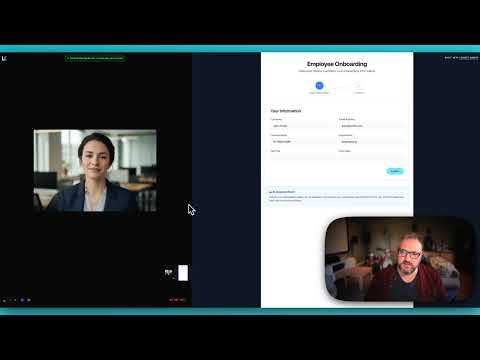
Use cases
The Anam + LiveKit combination is ideal for scenarios requiring voice interaction with visual presence:Employee Onboarding
Employee Onboarding
Guide new hires through forms and processes with screen share analysis. The AI sees what they see and provides contextual help.
Educational Tutoring
Educational Tutoring
Help students with homework by seeing their work. The avatar can point out errors and explain concepts visually.
Technical Support
Technical Support
See customer screens and provide step-by-step guidance with a friendly visual presence.
Healthcare Intake
Healthcare Intake
Assist patients filling out medical forms with a calm, reassuring avatar presence.
Financial Services
Financial Services
Guide users through account opening, KYC processes, and complex financial forms.
Resources
Cookbook: Getting Started
Build a LiveKit voice agent with an Anam avatar from scratch
Cookbook: Gemini Vision
Add Gemini Vision to a LiveKit agent for screen share analysis
Demo Source Code
Full source code for the onboarding assistant demo
LiveKit Docs
Official LiveKit documentation