> ## Documentation Index
> Fetch the complete documentation index at: https://anam.ai/docs/llms.txt
> Use this file to discover all available pages before exploring further.
# Get your API Key
> Learn how to create and manage your Anam API key from the Lab. Required to authenticate requests and integrate personas into your app.
Your API key is used to authenticate your requests to the Anam API and is required for integrating the Personas you create into your own applications. API keys are managed via the [Anam Lab](https://lab.anam.ai/).
### Create a new API key
From the [API keys page](https://lab.anam.ai/api-keys), click on the "Create API key" button.
The label is only used to help you identify the API key. It is not used for authentication.
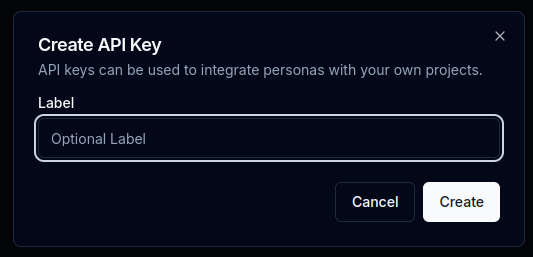 Click "Create" and your new API key will be shown to you. Remember to save it somewhere safe as you will not be able to access it later. You will be prevented from closing the dialog until you have clicked the "Copy" button.
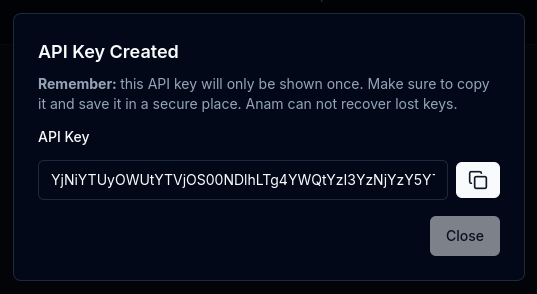 Anam encrypts and store your API keys securely. For this reason, we are unable to recover lost API keys. If you lose your API key, you will need to create a new key via the Anam Lab.